

Figma Plugin
Say It Once: A Faster Way to Explain Design
briefing
As the product and design teams grew, so did the need to clearly explain how designs were meant to behave. Static mockups alone weren’t enough to communicate interactions, error states, and reusable patterns—especially when sharing work with engineers, stakeholders, or non‑design partners.
At the time, Figma did not offer native annotation capabilities. Designers relied on manual text layers, duplicated components, or third‑party tools outside of Figma, leading to inconsistent documentation, extra maintenance work, and unnecessary software costs. The challenge was to create a lightweight, scalable solution that lived directly inside designers’ existing workflows.
Solution
The result was a custom Figma plugin that allowed users to quickly create standardized annotations directly on their designs. With a few clicks, designers could add labeled callouts that explained interactions, component behavior, error handling, and design intent—without manually building or maintaining text elements.
The plugin focused on speed and clarity: predefined annotation types, consistent visual styling, and simple controls that worked for both designers and non‑designers. Because annotations were generated programmatically, they stayed lightweight, easy to update, and visually distinct from production UI.
the
approach
I approached the problem as both a UX and workflow design challenge. First, I mapped how designers were currently annotating files, identifying friction points such as repetitive setup, visual clutter, and lack of standardization. I also collaborated with engineers and product partners to understand what information they most often needed to interpret designs correctly.
From there, I defined a small but powerful set of annotation use cases—interactions, patterns, states, and edge cases—and translated them into a flexible system. Rapid prototyping in Figma helped validate annotation styles, hierarchy, and readability, while early plugin tests ensured the interaction model felt fast, intuitive, and unobtrusive within the canvas.
The
Outcome
The plugin reduced the time designers spent annotating and explaining designs by standardizing and automating a previously manual process. What previously required creating and maintaining multiple text layers and ad-hoc callouts was reduced to a few clicks, significantly accelerating design reviews and handoffs.
Cross-functional teams reported a clearer understanding of interactions, states, and edge cases during reviews, resulting in fewer clarification questions and faster alignment with engineering and product partners. This led to smoother handoffs and reduced back-and-forth during implementation.
From a cost perspective, the internal plugin replaced the need for external annotation tools, generating an estimated savings of ~$500 per year for the organization. More importantly, it scaled across multiple teams and projects, establishing a consistent annotation standard months before Figma introduced native annotation features—future-proofing the workflow and improving documentation quality at an organizational level.
Lessons Learned
This project pushed me beyond traditional product design and into building tools for creators, which required learning new skills and mental models. Designing a plugin meant understanding technical constraints early—what could be automated, what required manual control, and how performance considerations influenced UX decisions.
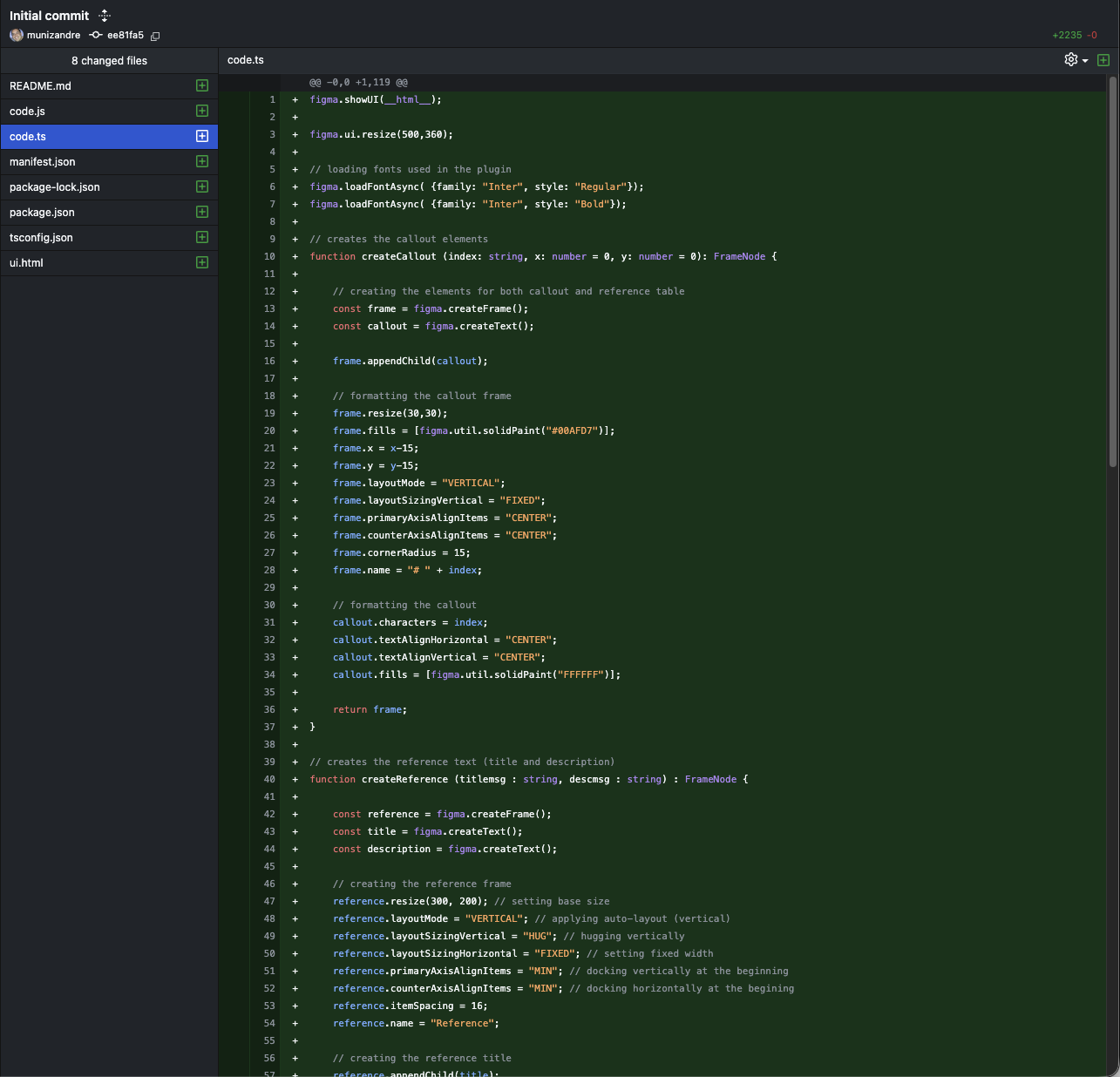
Bridging design and code became a critical part of the process. Close collaboration with engineering (and hands-on exploration of the Figma plugin API) helped me design interactions that were not only intuitive, but also feasible and maintainable. This experience strengthened my ability to translate abstract design intent into concrete system behaviors.
Testing with non-traditional users—designers and developers instead of end customers—shifted how I approached usability. Speed, predictability, and consistency mattered more than delight, and even small inefficiencies were amplified by repeated daily use. This reinforced the importance of optimizing for power users and workflow efficiency.
Finally, the project highlighted the value of internal tools. Small, well-scoped solutions can create a significant impact by removing friction at scale—saving time, reducing costs, and enhaning collaboration across teams.